
The operator console
every setting, page and check.
The operator console is at /admin. It is the MIKODES Admin Kit, included in packages/admin-kit. You set up the whole product here without editing files. Every change is recorded in the audit log, and every settings change is kept as a version you can roll back.
01Console accounts and team
- The first account is the owner, created with the one-time setup code (see Installation).
- Team: invite more people as owner, manager or viewer. Viewers can look; managers can change settings and the product pages; only owners can change API keys and builder accounts (invite staff, reset links, disable).
- Two-factor sign-in (an authenticator app, with recovery codes) for each account. An owner can require it for the whole team.
- Sign-in protection: repeated wrong passwords lock the account for a while.
- Audit log: who changed what and when. Secrets are never shown in it.
- History: every settings save is a version; compare versions and roll back. Settings can be exported and imported as a file (secrets are never exported).
02Settings sections
Brand
| Field | What it does |
|---|---|
| Product name | The builder's name everywhere: sign-in page, header, e-mails, review page, favicon letter. Empty: "Kiln". |
| Tagline | Shown on the builder's sign-in page. |
| Accent colour | Re-colours the builder's buttons and highlights, the review page and the favicon. |
| Logo | Replaces the name in the builder's header. |
| Support email, Website | Stored with the brand. |
| Builder title in the browser tab | Empty uses the product name. |
Legal
Terms of service URL and Privacy policy URL are linked on the builder's sign-in page. Kiln does not write these documents for you. The Disclaimer field is stored but not shown by the builder in this version.
Access
| Field | What it does |
|---|---|
| Announcement banner | A line of text shown at the top of the builder for every signed-in user. |
| Anyone can sign up | Off (default): only invited people get an account (agency mode). On: anyone can create an account and gets a workspace on the free plan. |
| Credits a new self-serve workspace gets | Credits given to each new sign-up workspace. Default 0. |
AI
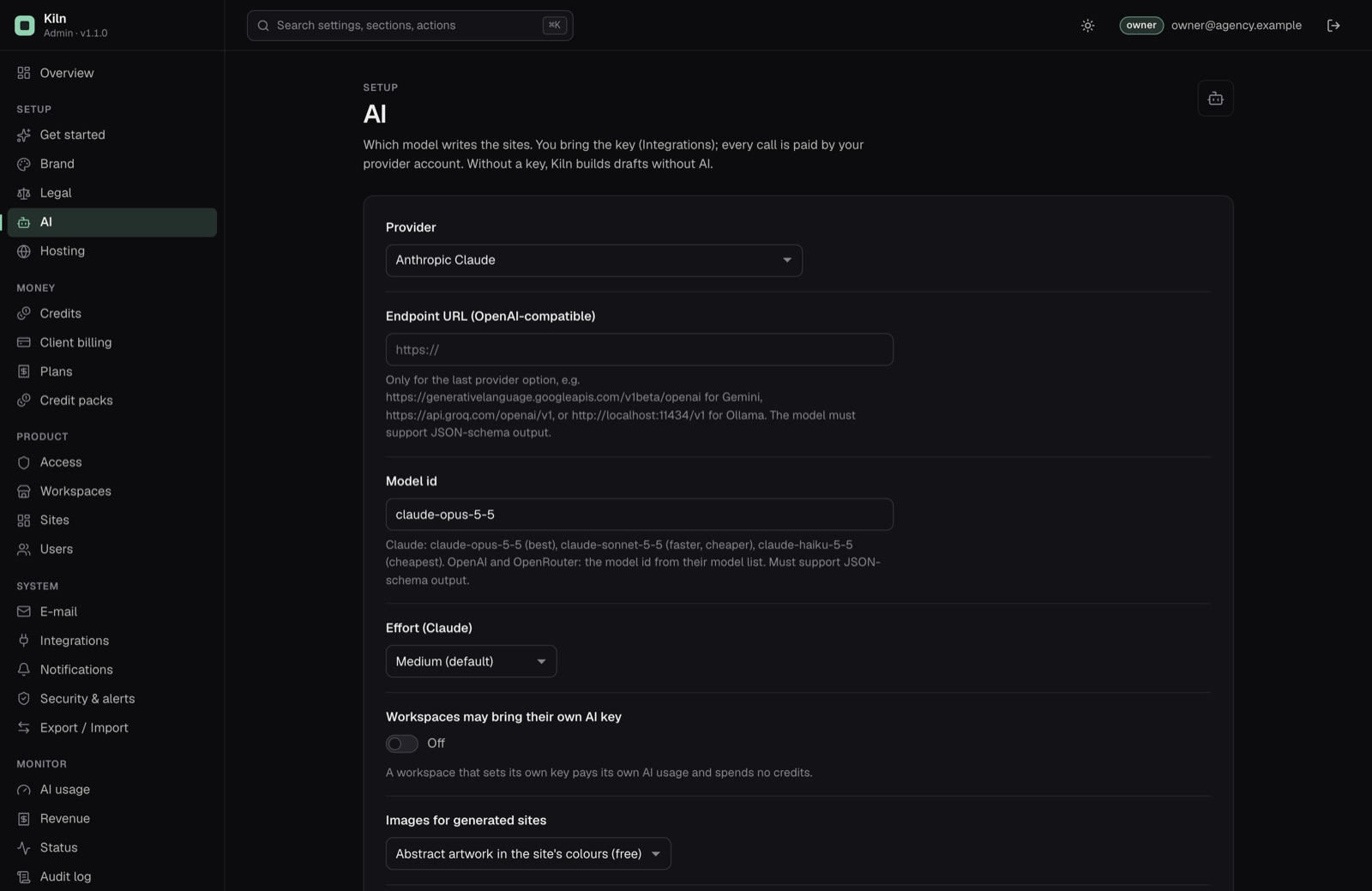
Provider, Endpoint URL (OpenAI-compatible) (ai.baseUrl, only for the provider Any OpenAI-compatible endpoint), Model id, Effort (Claude), Workspaces may bring their own AI key, Images for generated sites, Image model (OpenAI). All explained in AI.
Credits
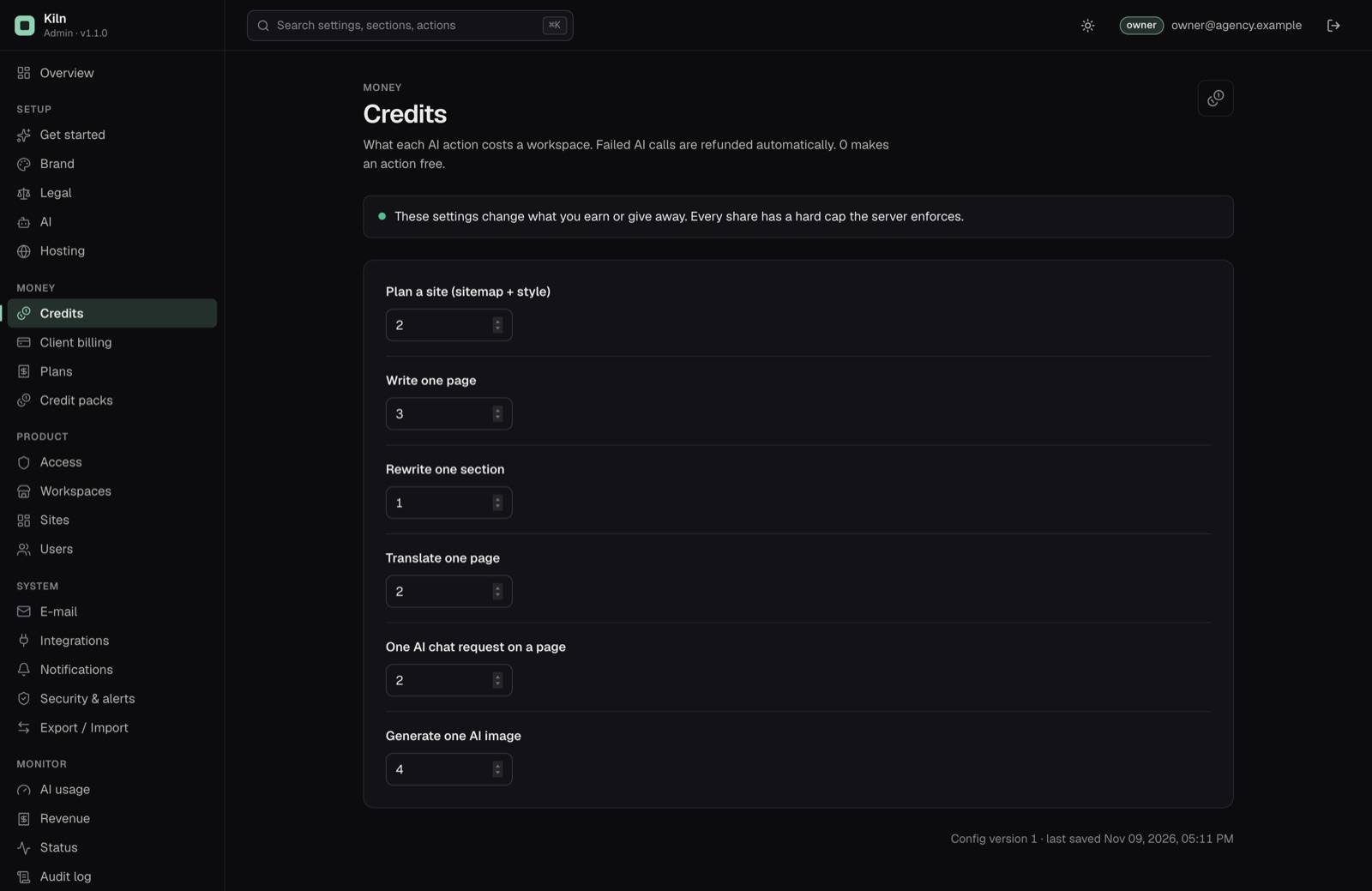
The price in credits of each AI action: plan a site, write one page (also the price of an AI blog post draft), rewrite one section, translate one page, one AI chat request on a page (credits.chat, default 2), generate one AI image. 0 makes an action free. Failed AI calls are refunded automatically.
Hosting
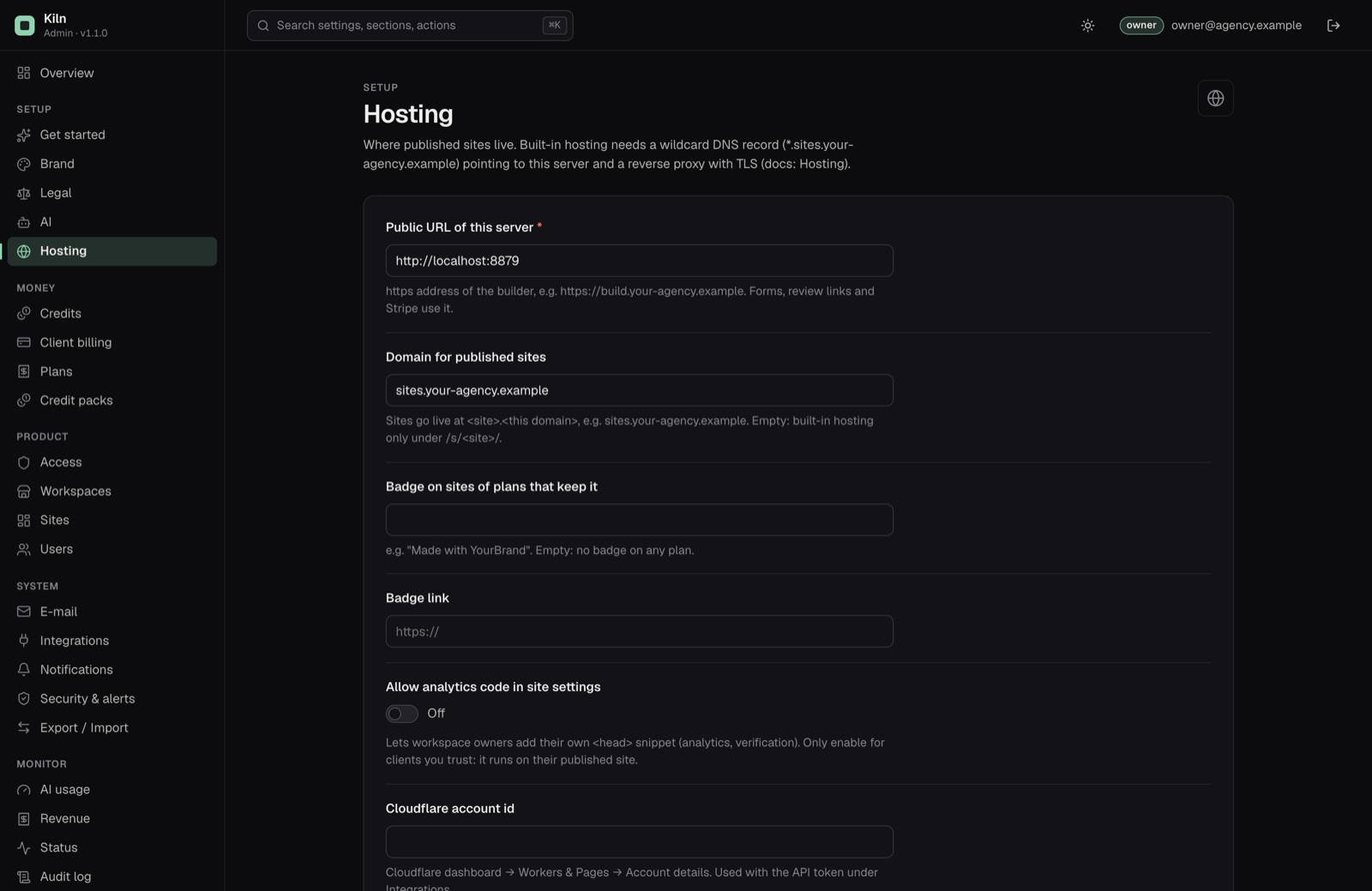
| Field | What it does |
|---|---|
| Public URL of this server | Required. The https address of the builder. Forms, review links, invite links and Stripe use it. |
| Domain for published sites | Sites go live at <site>.<this domain>. Empty: only /s/<site>/. See Hosting. |
| Badge on sites of plans that keep it, Badge link | A small link in the footer of published sites, e.g. "Made with YourBrand". Empty text: no badge. |
| Allow analytics code in site settings | Lets workspace owners add their own <head> code (for example a verification tag) to their published site. Only enable it for clients you trust: the code runs on their site. Google Analytics, Tag Manager, Plausible and the Meta Pixel do not need it: they have their own fields in the editor's Page tab. |
| Cloudflare account id, Worker name prefix | See Publishing to Cloudflare. |
Client billing
Sell plans and credit packs, Name on receipts, and Customers can enter promotion codes at checkout (billing.promotionCodes, off by default): when on, Stripe Checkout shows a promotion code field for plans and credit packs. You create the coupons and promotion codes in your Stripe dashboard. See Client billing.
| Field | What it does |
|---|---|
| Sender | A sender on a domain verified in Resend, e.g. Studio <hello@your-agency.example>. |
| E-mail workspace owners about new form messages | On by default. |
E-mails are sent with your Resend key (Integrations): workspace invites, staff invites, password resets, review decisions and form messages. Without a key and sender nothing is e-mailed, and invite links are shown on screen to copy instead.
E-mail is sent through your own Resend account. Resend has a free tier with a daily and monthly limit; above it you pay Resend. See Costs.
Integrations
API keys: Anthropic, OpenAI, OpenRouter, the OpenAI-compatible endpoint (integrations.customApiKey, or CUSTOM_AI_API_KEY in .env; leave it empty for a local Ollama), Pexels, Cloudflare API token, Stripe secret key, Stripe webhook signing secret, Resend. Keys are write-only: they are stored encrypted, can be replaced or tested, but never shown again. Each key except the webhook secret and the OpenAI-compatible endpoint key has a Test button. A key set in .env shows as locked.
Notifications
Webhook URL and Webhook signing secret: the console sends its alerts (for example a failing blocker check) to this URL, signed with the secret in the x-mikodes-signature header. The Send alerts to e-mail field is stored; alert delivery in this version goes to the webhook.
03Product pages
These pages show Kiln's own data inside the console. In a demo console every change is refused.
| Page | What you can do |
|---|---|
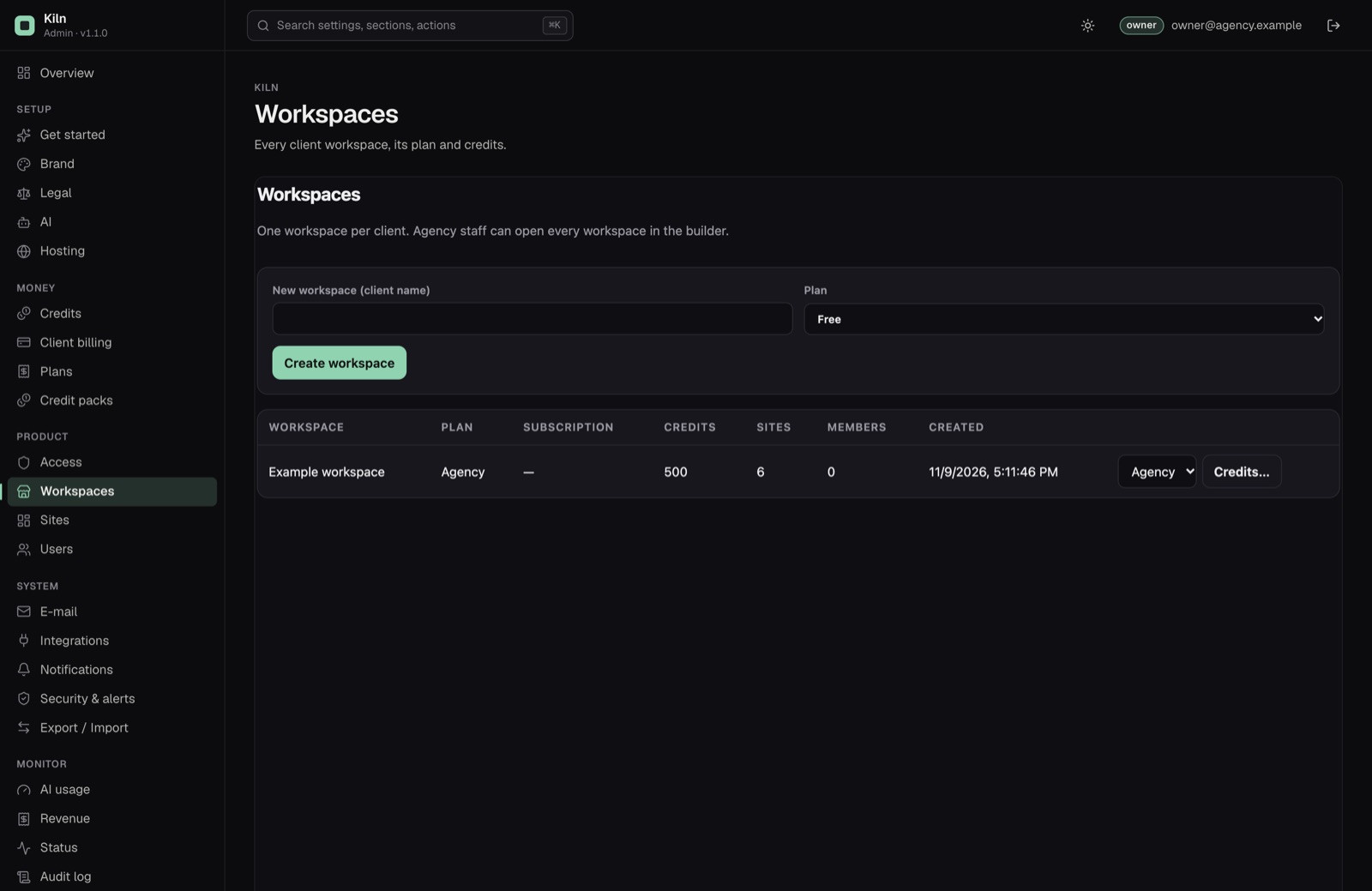
| Workspaces | Every workspace with its plan, credits, subscription status, sites and members. Create a workspace, change its plan, add or remove credits with a reason (shown in the workspace's credit history). |
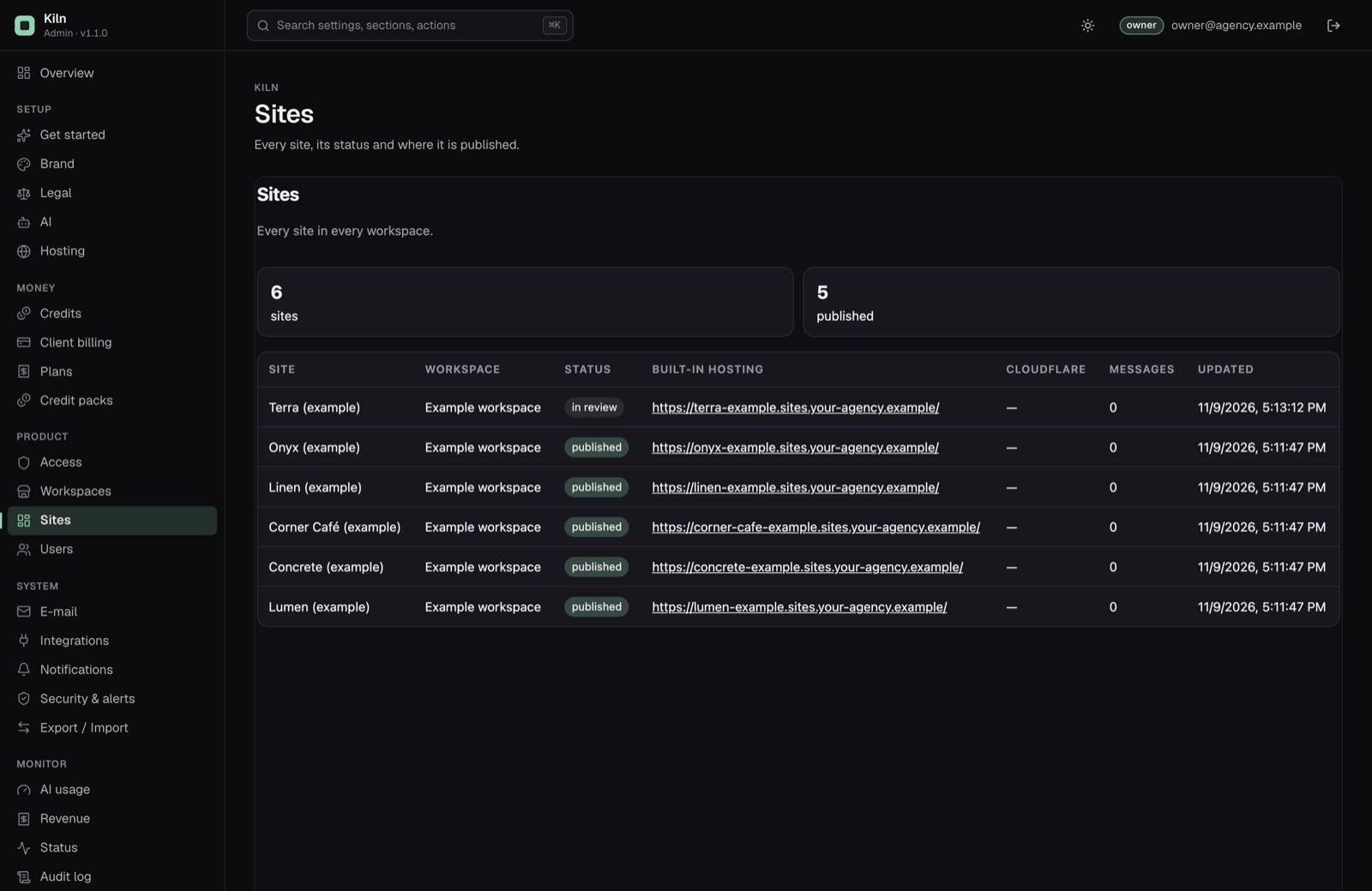
| Sites | Every site in every workspace: status, version, publish date, Cloudflare address, number of form messages, and the hosting address. |
| Users | Every builder account. Invite agency staff (e-mail), create a password Reset link (valid 24 hours), Disable or enable an account (signs it out), Make staff / Remove staff. Owners only. |
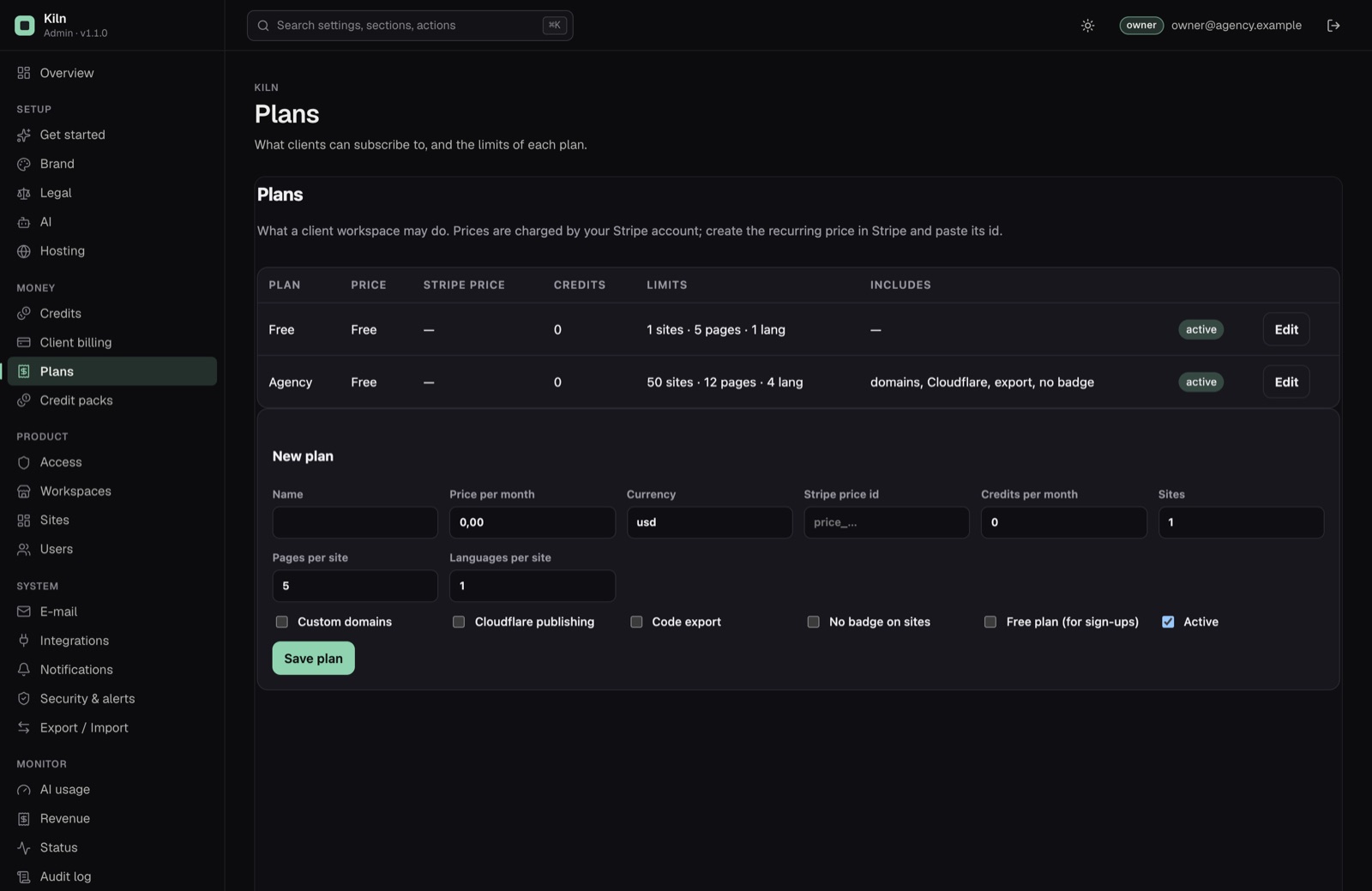
| Plans | Create and edit plans and their limits. See Client billing. |
| Credit packs | Create and edit credit packs. |
| AI usage | The latest 1,000 AI calls (workspace, action, provider, model, tokens, duration, result, error) and per-model totals for 30 days. |
04Status checks
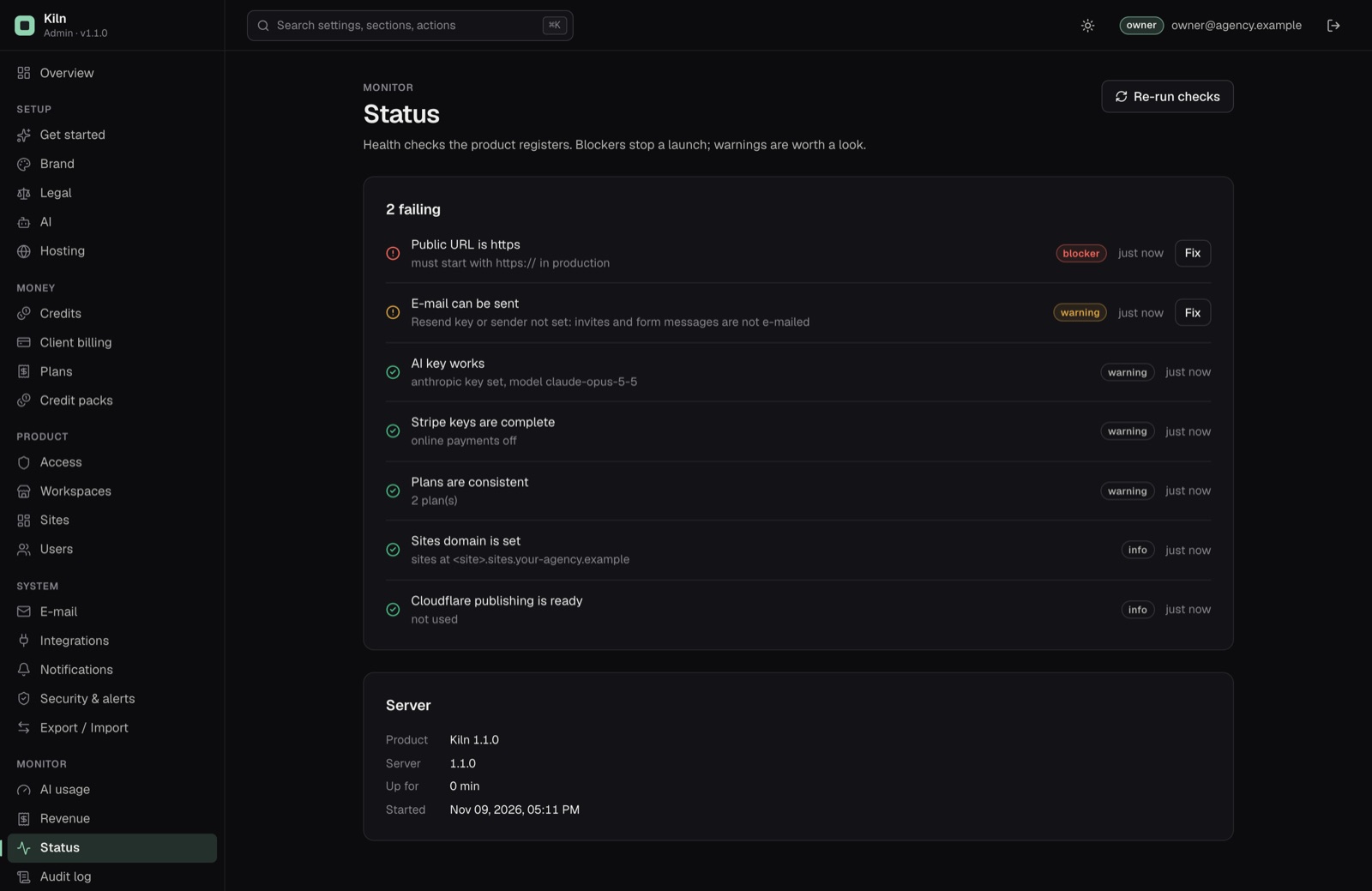
The status screen runs these checks and links each to the section that fixes it:
| Check | Severity | Green when |
|---|---|---|
| AI key works | warning | A key is set for the selected provider (and a model id for OpenAI or OpenRouter), or, for an OpenAI-compatible endpoint, the endpoint URL is set. Without one, sites are built as drafts. |
| Public URL is https | blocker | The public URL is set and starts with https://. |
| Sites domain is set | info | Always green; says where sites are served. |
| Cloudflare publishing is ready | info | Not used, or both the token and the 32-character account id are set and the token works. |
| Stripe keys are complete | warning | Billing off, or both the secret key and the webhook secret are set. |
| E-mail can be sent | warning | A Resend key and a sender are set. |
| Plans are consistent | warning | There is an active free plan and every active paid plan has a Stripe price id. |
05Revenue and statistics
- Revenue: only payments Stripe confirmed, split into Plan subscriptions and Credit packs, each with its Stripe reference. See Client billing.
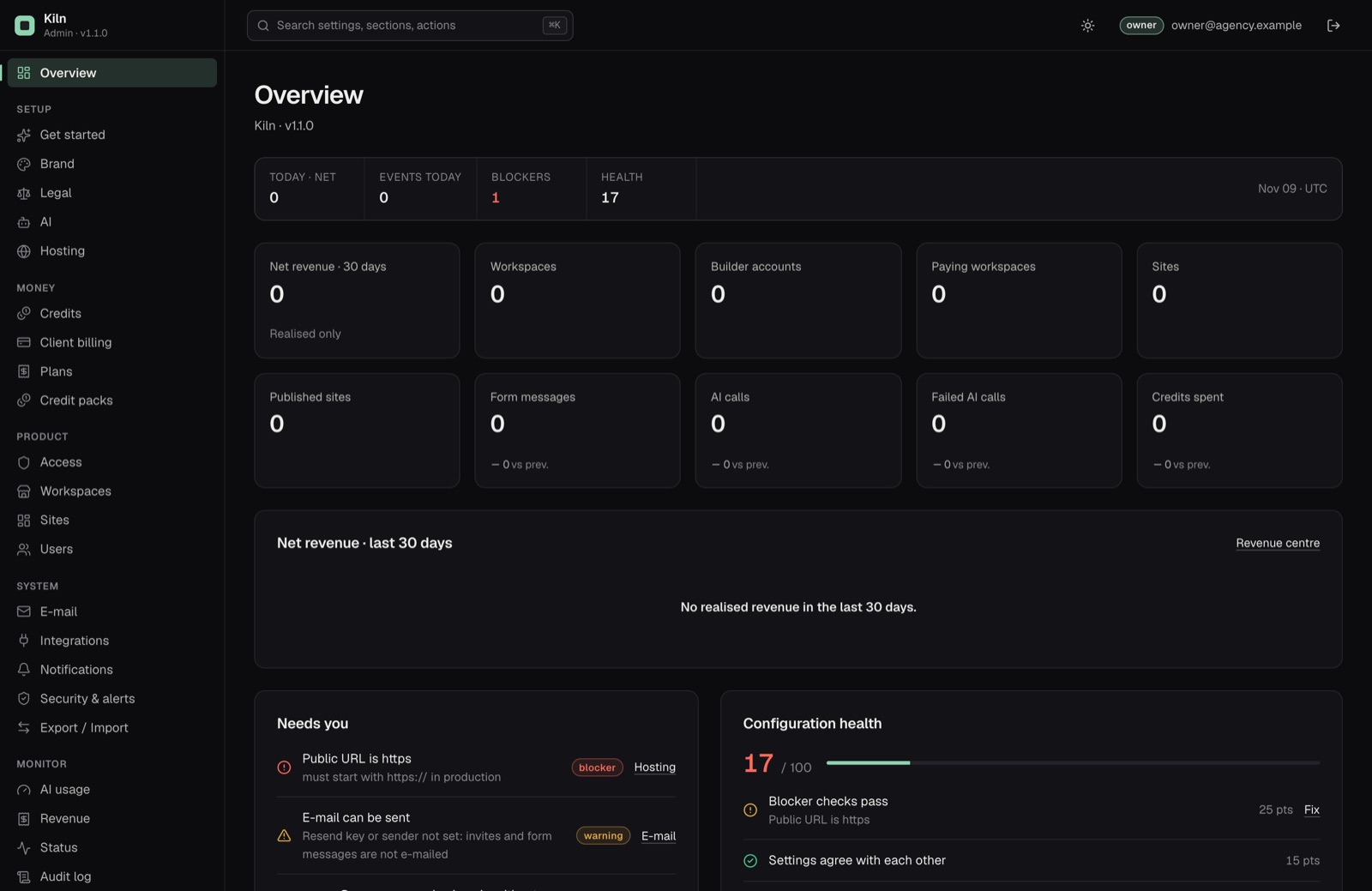
- Statistics: workspaces, builder accounts, paying workspaces, sites, published sites, form messages, AI calls, failed AI calls and credits spent (credits removed by hand do not count), with a comparison to the previous period where it makes sense.
06Customization without code
What the console changes without code (name, logo, colours, badge, sign-up, AI, credit prices, plans, domains, legal links), and what needs a code change and a rebuild, is on its own page: Customization.