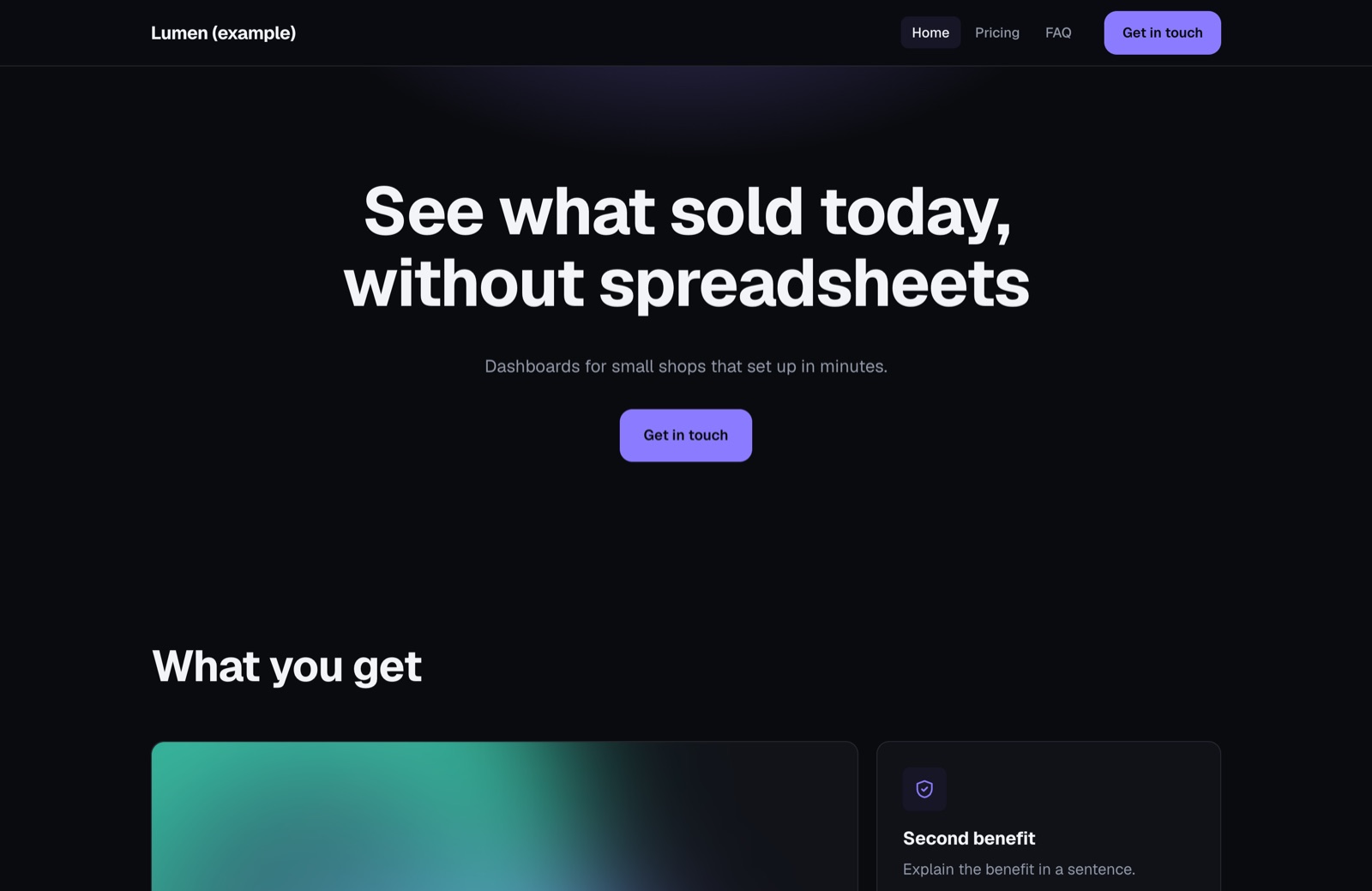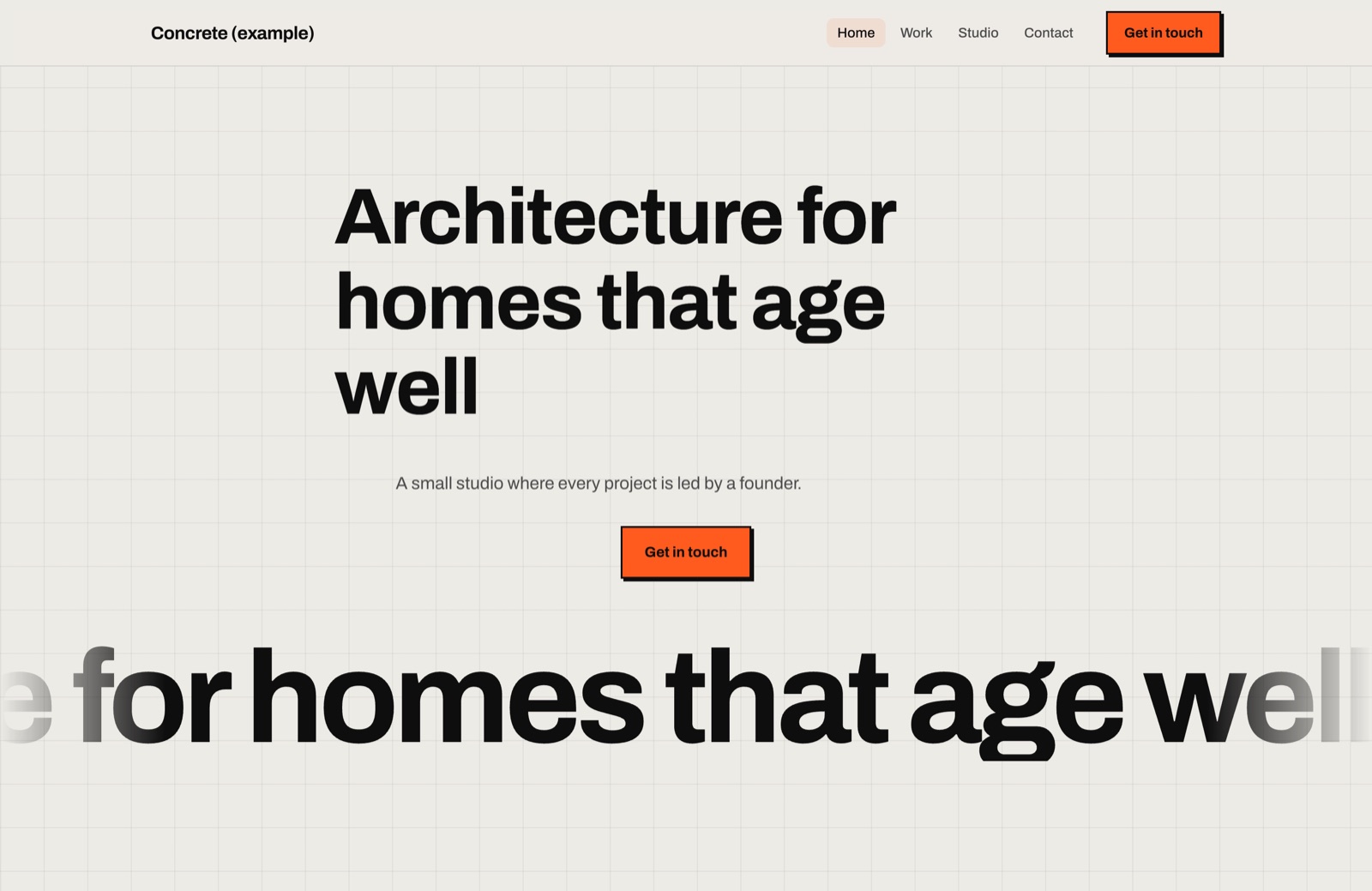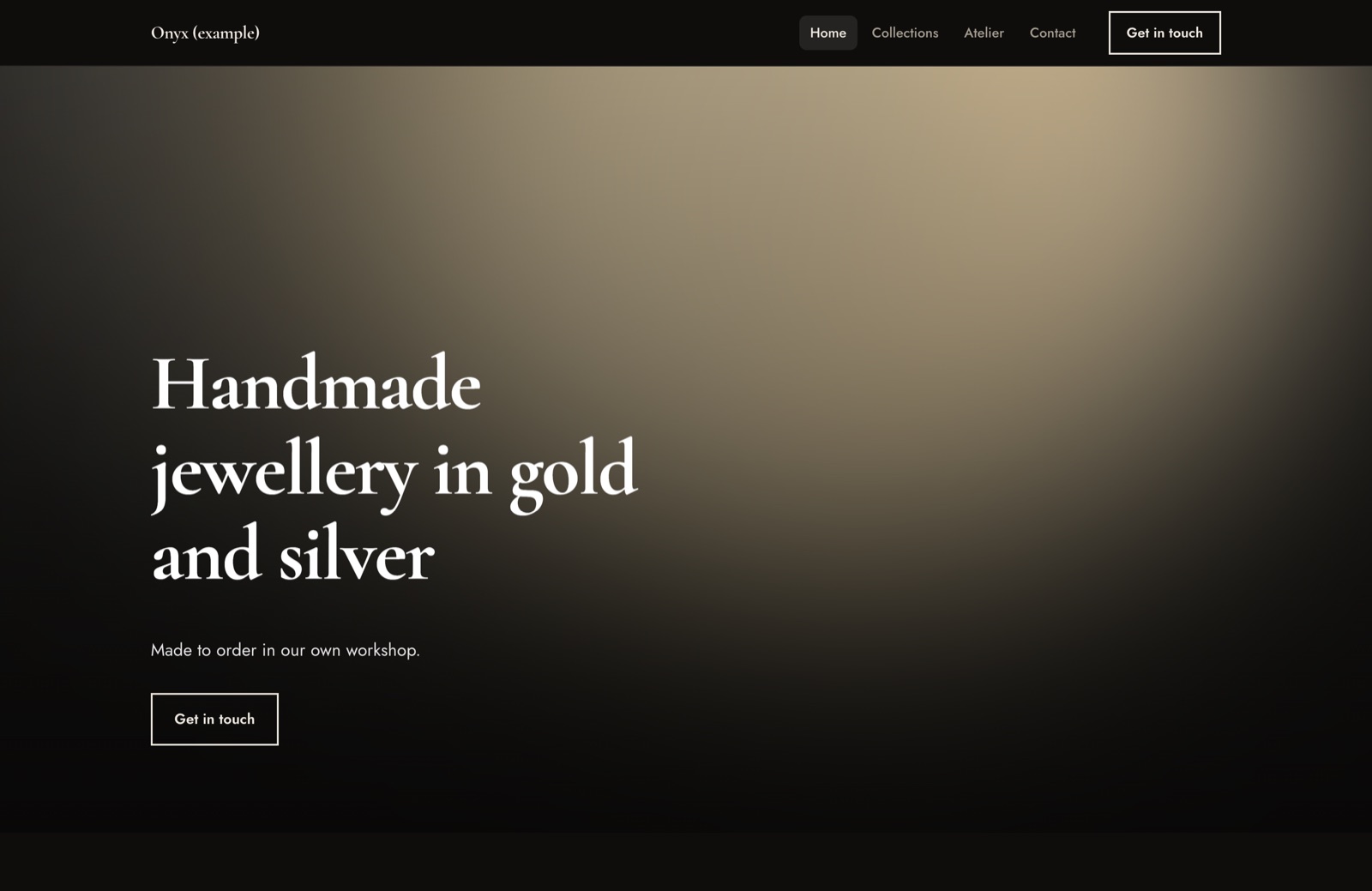
Kiln documentation.
A white-label AI website builder on your own server.
AI disclosure: AI tools were used to assist with parts of the code, documentation and graphics of this item. The author directed and reviewed all of it; 84 automated tests cover the code.
01Overview
Kiln is a website builder you install on your own server. You put your own name, logo and colour on it and use it to build websites for your clients, or let your clients build their own.
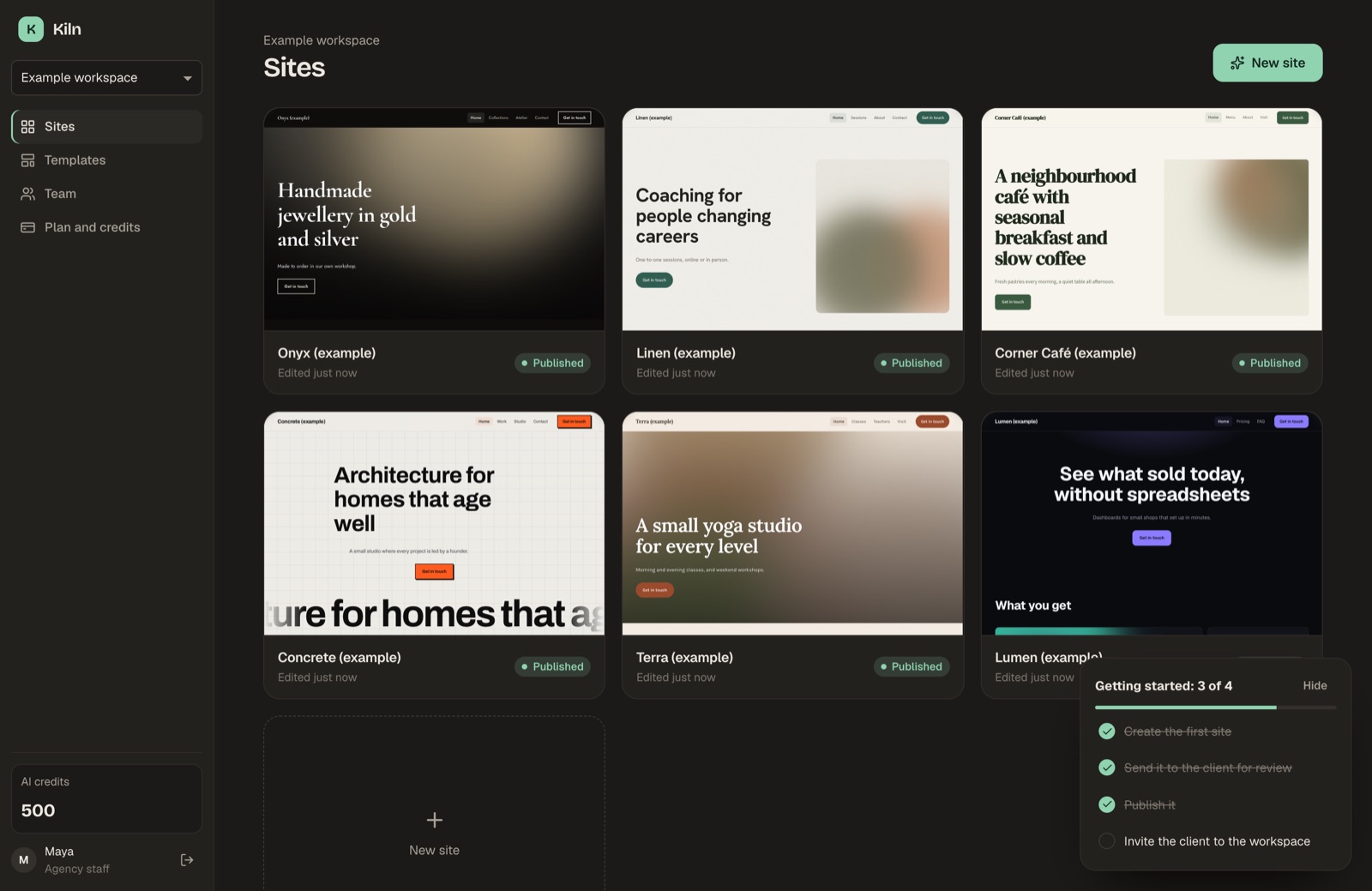
A user describes a business in a short brief, picks one of 16 templates, or starts from the text of the client's current website. Kiln proposes a page plan, the user approves it, and the AI writes each page. Everything is then edited visually: text directly on the page, sections from a library of 21 types, a blog, and plain-language AI requests such as "add an FAQ". A finished site is published on your server, deployed to your own Cloudflare account, or downloaded as code (static HTML or an Astro project).
Kiln is one Node.js program. It keeps its data in two SQLite files and a folder of images, so you need no separate database server.
02The people who use Kiln
| Person | Where | What they do |
|---|---|---|
| Operator (you, the agency that bought Kiln) | /admin | The operator console. Brand, AI keys, Stripe, plans, credit prices, hosting domain, team, audit log. You see every workspace, site and payment. |
| Agency staff | /app | Builder accounts with the staff flag. They create a workspace for each client, build sites and send review links. Staff can open every workspace. |
| Clients | /app | Builder accounts that are members of one or more workspaces, as owner, editor, client or viewer. If you open sign-up, a client creates its own workspace on the free plan. |
| Reviewers | /review/<link> | Anyone you send a review link to. They click through the site and approve it or ask for changes. They need no account. |
| Site visitors | The published site | They read the site and send the contact form. Messages arrive in the site's forms inbox. |
The operator console and the builder have separate accounts. Your console account (created with the one-time setup code) does not sign you in to /app. To build sites yourself, invite yourself as agency staff from the console. Installation shows how.
03Roles inside a workspace
| Role | Can do |
|---|---|
| Owner | Everything an editor can, plus invite and remove members, add or remove custom domains, unpublish, delete sites and form messages, buy plans and credit packs. |
| Editor | Create, edit and duplicate sites, use AI actions, publish, export, create review links. |
| Client | Edit the texts and images of existing sections, in the languages the site already has. Cannot change sections, layouts, design, settings, languages, history or the blog, use AI, or publish. The server enforces this. |
| Viewer | Open sites and read form messages. Cannot change anything. |
Staff users act as owner in every workspace.
04Table of contents
- Installation: requirements, first start, the setup code, Docker, systemd, backups.
- Hosting published sites: wildcard DNS, reverse proxy with HTTPS, custom domains.
- Publishing to Cloudflare: API token, account id, deploying a site as a Worker.
- AI: providers and models, credits, images, the copy rules, drafts without AI.
- Client billing: plans, credit packs and Stripe.
- Using the builder: templates, brief and rebuild from URL, the editor, sections, theme, marketing settings, blog, languages, review links, publishing, export.
- The operator console: every setting, the product pages, checks, revenue; what you can change without code.
- Costs and third-party services: who pays for what.
- Troubleshooting: real error messages and what to do.
- Security: what Kiln protects and how.
- Architecture: components, data flow, where to change things in the code.
- Upgrading: installing a new version.
- Credits and licences: third-party packages and their licences.
05Quick facts
- Node.js 22.12 or newer. About 1 GB of memory.
- The builder is at
/app, the operator console at/admin, a health check at/healthz. - The default port is 8787.
- All data lives in the
data/folder. Back it up together withADMIN_SECRET_KEY. - Kiln works without any API key: sites are then built as drafts from the brief, without AI.
- You bring every key (AI, Stripe, Cloudflare, Resend, Pexels). Each provider bills your own account directly. Booking, video, analytics and webhook services are the site owner's own accounts.
Example sites
These are example sites made from the included templates, as captured from a local install. Template text explains what to write; it does not pretend to be a real business.